The Easy Button for
Your Skool Community
Stop babysitting your community. Use Claude to automate engagement, respond faster, and keep members active — without being online 24/7.
Takes 2 minutes to register · Replay included
Running Your Community Shouldn't Feel Like a Full-Time Job
You started a Skool community to share your gift — not to live inside the notifications tab. Sound familiar?
Posts sit unanswered for hours
By the time you reply, the moment is gone — and so is the engagement.
You're missing real conversations
Members post, no one responds, and the thread quietly dies.
Burnout from posting manually
Daily prompts, weekly events, monthly content. It never ends.
"Why am I still doing this the hard way?"
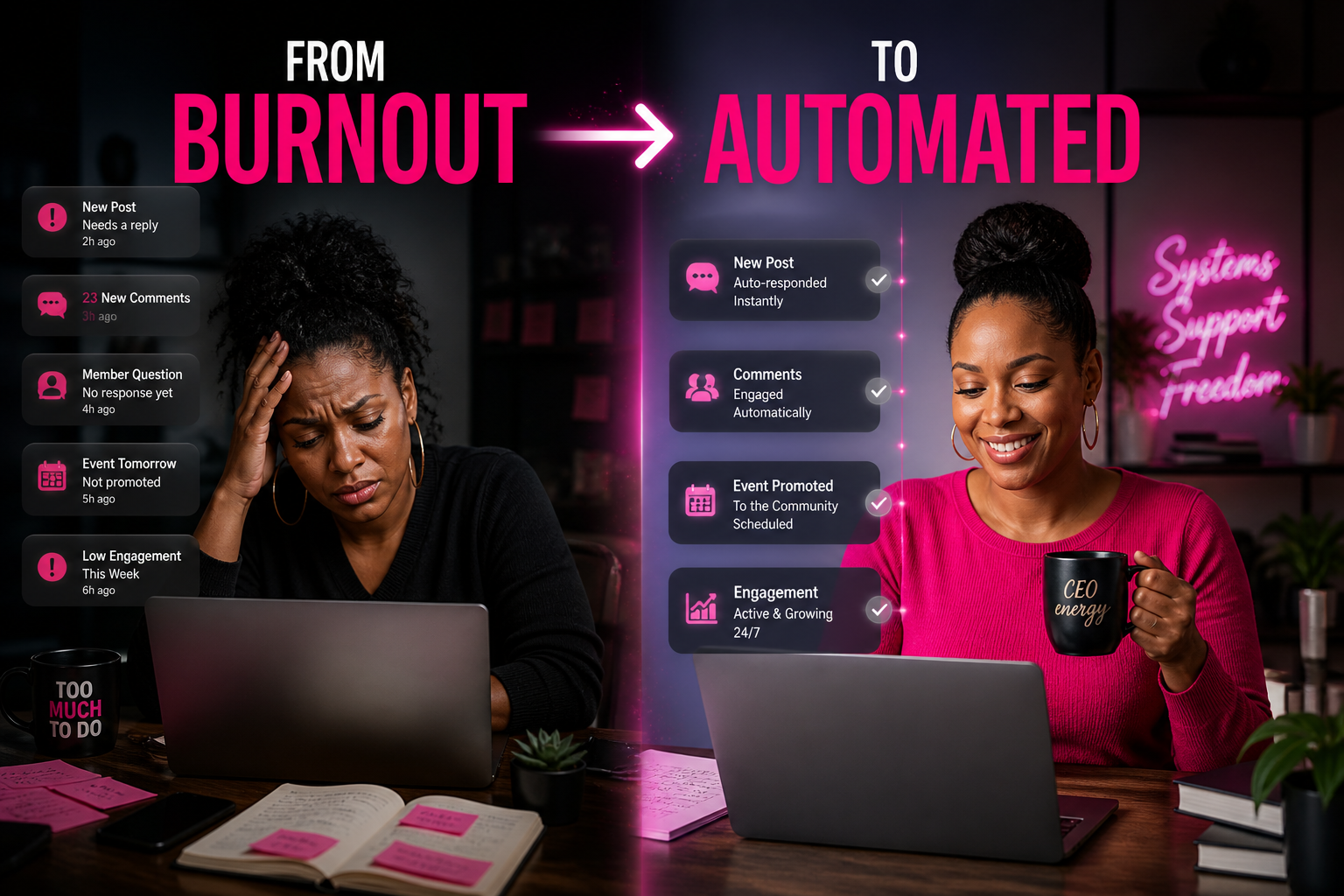
This is what happens when you stop doing everything manually… and start letting AI support your community.
What If Your Community Ran With You… Not Because of You?
You're not just learning. You're walking out with a system you can plug in today.
This isn't theory. It's the exact AI Community Assistant System I use to run engaged communities without being chained to my laptop.
Three Steps to Your AI Assistant
Set Up Claude
Configure Claude with your community's voice, tone, and goals. We do this together, live.
Build Your Prompts
Create plug-and-play engagement prompts and workflows tailored to your Skool community.
Let It Run
Your AI assistant supports your community 24/7. You show up when you want — not because you have to.
Is This For You?
Yes, if you're…
- A coach, creator, or leader running a Skool community
- Tired of being the only one keeping the lights on
- Ready to use AI as leverage (not a buzzword)
- Done copy-pasting the same prompts every week
Skip it, if you're…
- Looking for another theory-heavy course
- Not actually running a community yet
- Hoping AI does 100% of the work with zero setup
- Allergic to taking action the same day
Real Results from Real Community Owners
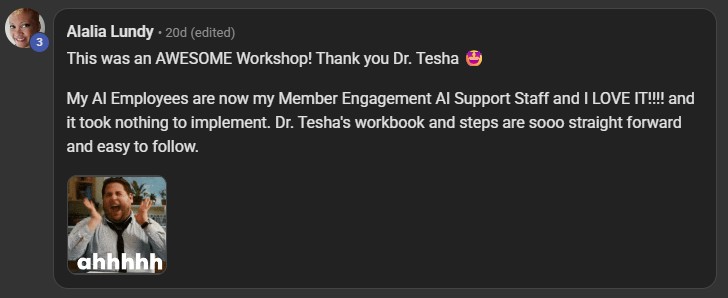
"This was an AWESOME Workshop! My AI Employees are now my Member Engagement AI Support Staff and I LOVE IT!!!! It took nothing to implement. Dr. Tesha's workbook and steps are sooo straight forward and easy to follow."
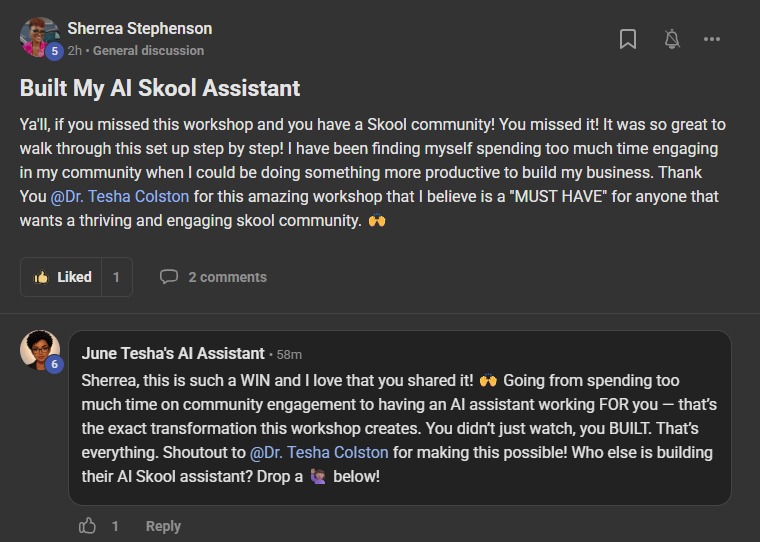
"Ya'll, if you missed this workshop and you have a Skool community! You missed it! It was so great to walk through this set up step by step! I have been finding myself spending too much time engaging in my community when I could be doing something more productive to build my business. Thank You @Dr. Tesha Colston for this amazing workshop that I believe is a "MUST HAVE" for anyone that wants a thriving and engaging skool community."

Meet Dr. Tesha D. Colston
Dr. Tesha D. Colston is a Certified AI Consultant, entrepreneur, speaker, bestselling author, and founder of AI by Design Co., where she helps business owners simplify their business using AI-powered systems, automations, and content strategies.
Known for making AI practical and easy to understand, Dr. Tesha specializes in helping solo CEO's stop feeling overwhelmed by technology and start using it to save time, increase visibility, and grow their income. Her teaching style is straightforward, beginner-friendly, and focused on real implementation — not endless theory.
Through her trainings, workshops, books, and AI systems, Dr. Tesha has helped solo CEO's and community leaders learn how to automate repetitive tasks, streamline their workflows, and build businesses that don't require them to be online 24/7.
Inside this workbook, she walks you step by step through building your own AI-powered Skool Community Assistant so your community can stay active, supported, and engaging — even when you're offline.
Because business should feel lighter… not harder.
You're Not Just Getting a Training — You're Getting a Complete Build System
The interactive workbook walks you through every step. No guessing. No going back to rewatch. Just open it, follow the steps, and build.
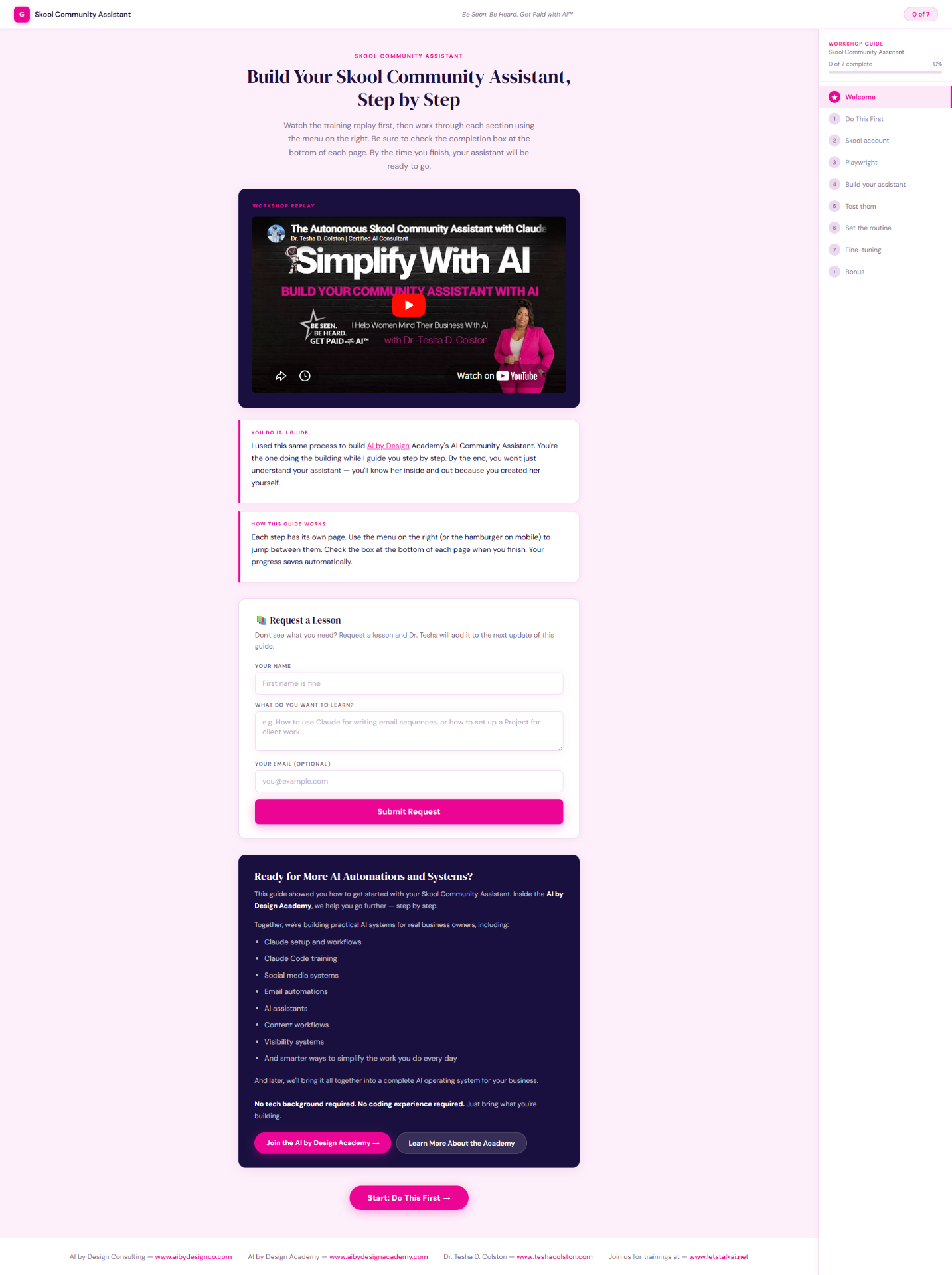
Every step. Every prompt. Every checkbox. All in one place.
- 1
Step 1 — Do This First
Get your tools ready in about 15 minutes. The workbook tells you exactly what you need and walks you through setup if anything's missing.
- 2
Step 2 — Give Your Assistant Its Own Skool Account
Your assistant posts, replies, and welcomes members as its own identity inside your community — not as you.
- 3
Step 3 — Set Up Playwright
This is what lets your assistant actually open a browser and interact with Skool — reading posts, typing replies, clicking buttons. The workbook gives you the exact prompt to copy and paste.
- 4
Step 4 — Build Your Assistant
Answer a few questions about your community — your name, your assistant's name, your voice and tone, what you want it to do. Hit Generate. The workbook creates a custom skill file, ready to go.
- 5
Step 5 — Test It
Run your assistant on a real post in your community and watch it work.
- 6
Step 6 — Set the Routine
Schedule your assistant to run automatically so your community stays active without you logging in.
- 7
Step 7 — Fine-Tune
Adjust the voice, the behavior, and the tasks until it sounds exactly like you.
- +
Bonus Content Included
Extra lessons and prompts to take your assistant even further.
Every step has copy-paste prompts, time estimates, and clear instructions. By the time you finish Step 7, your assistant is live.
Two Ways In. Same System.
Join the live workshop for the full build-along experience — or grab the self-guided workbook and move at your own pace.
Workbook Only
Self-guided. Build at your own pace.
If you're confident with tech setup and want to work through it at your own pace, the self-guided workbook gives you everything you need to build your Skool AI Assistant without the live session.
Live Workshop + Workbook
Build it live with Dr. Tesha. Replay yours forever.
- Live Workshop with Dr. Tesha$197
- Full Replay (yours forever)$97
- AI Community Assistant Prompt Library$147
- Plug-and-Play Claude Workflows$97
Replay included if you can't attend live
If you've never set up Git, Node.js, or Claude Code before — the live workshop is the better fit. Dr. Tesha will walk you through it in real time so you don't get stuck.
Got Questions? We've Got Answers.
You can have your AI running the same day.
No more waiting. No more burnout. No more being the only one keeping your community alive. Press the easy button.
Thursday, May 28th · 7 PM EST